- Connect your calendar — Google, Apple, or Outlook. ProtectHire auto-detects upcoming interviews and prepares monitoring.
- Choose your protection mode — Lightweight (meeting bot) or Heavyweight (desktop agent) per interview.
- Get real-time alerts — during the session, see flags as they happen.
- Receive a full integrity report — with risk scores, flagged events, and PDF export.

How It Works
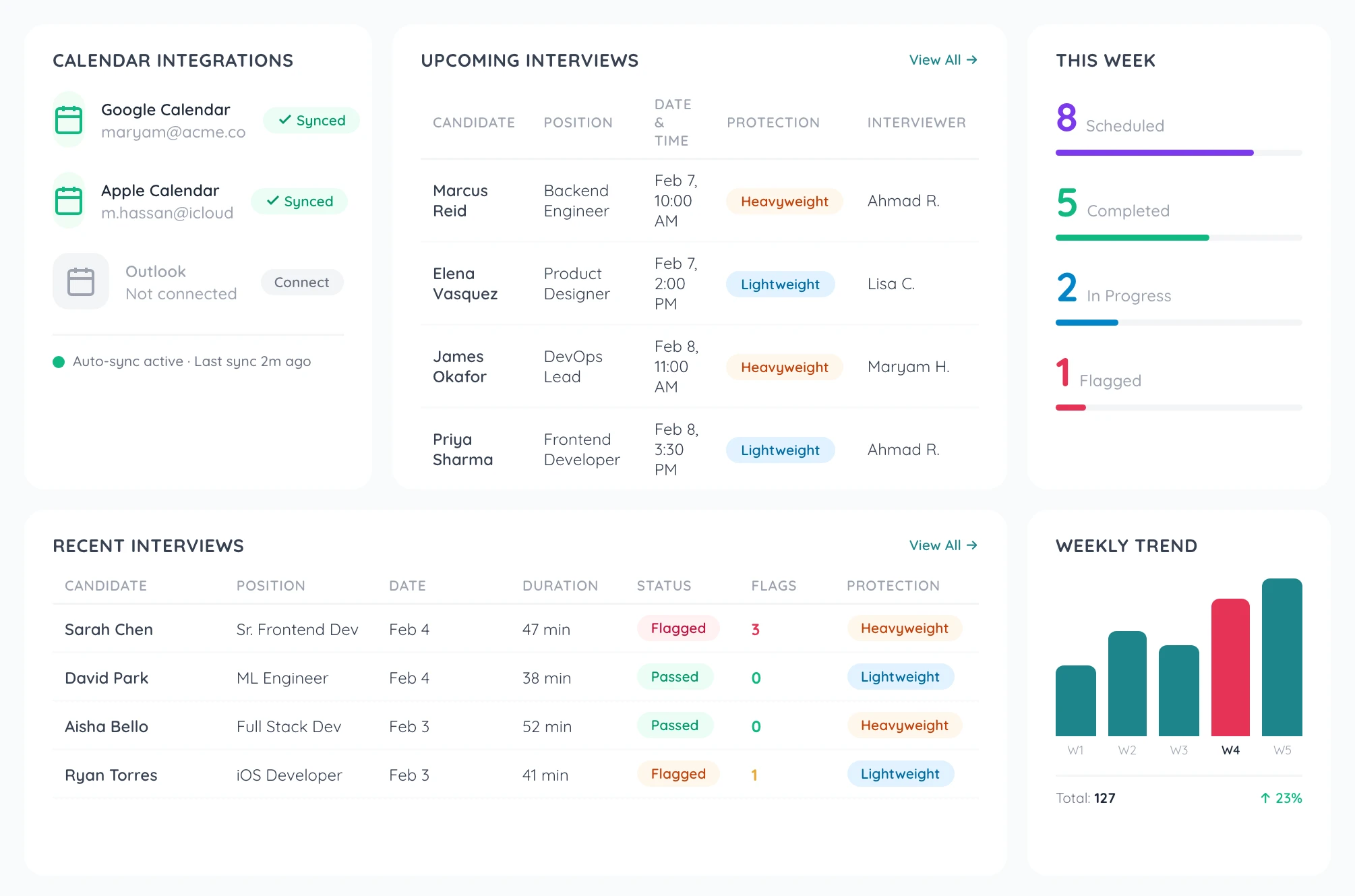
The 4 Steps: Calendar to Report


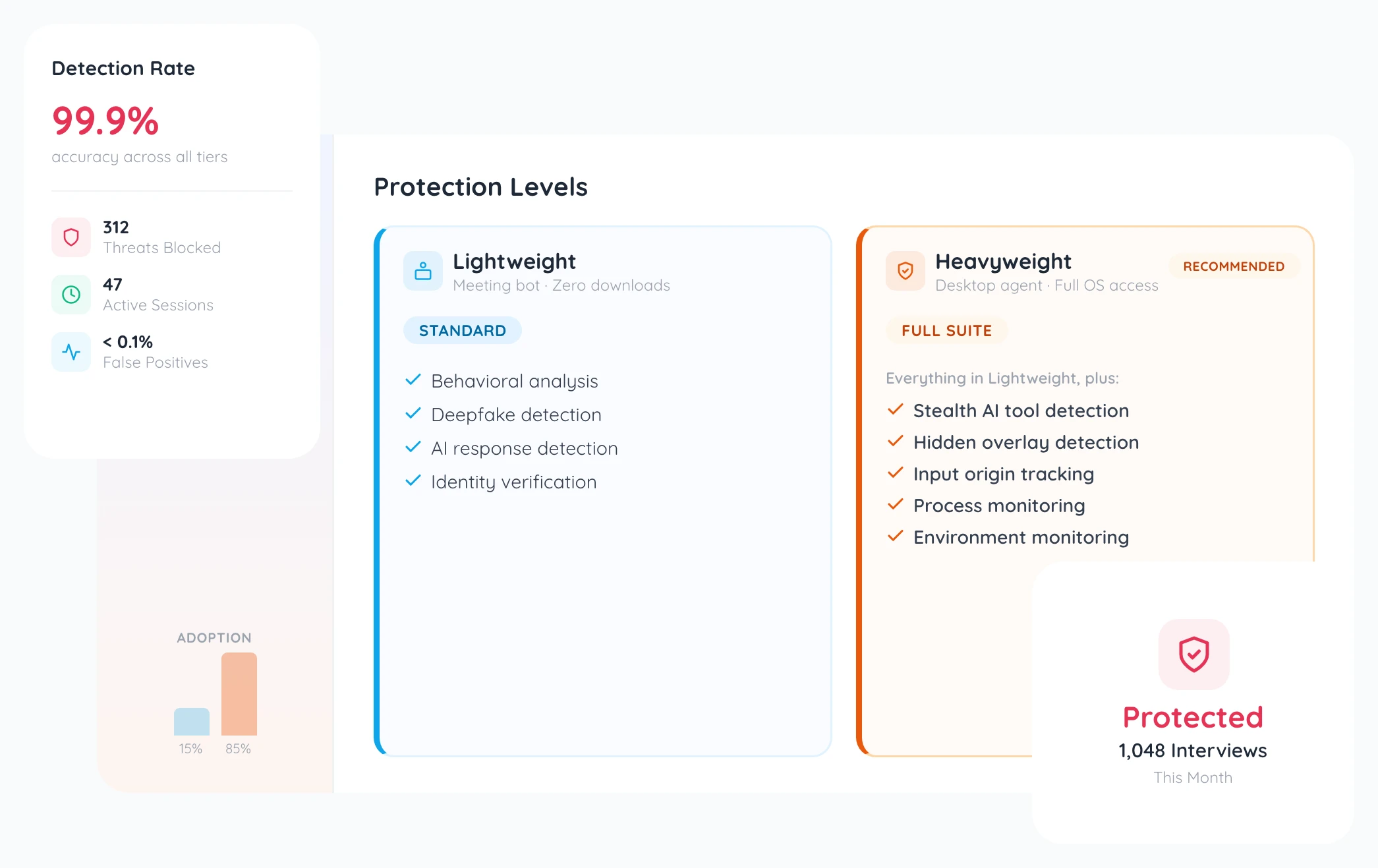
Lightweight vs Heavyweight Protection
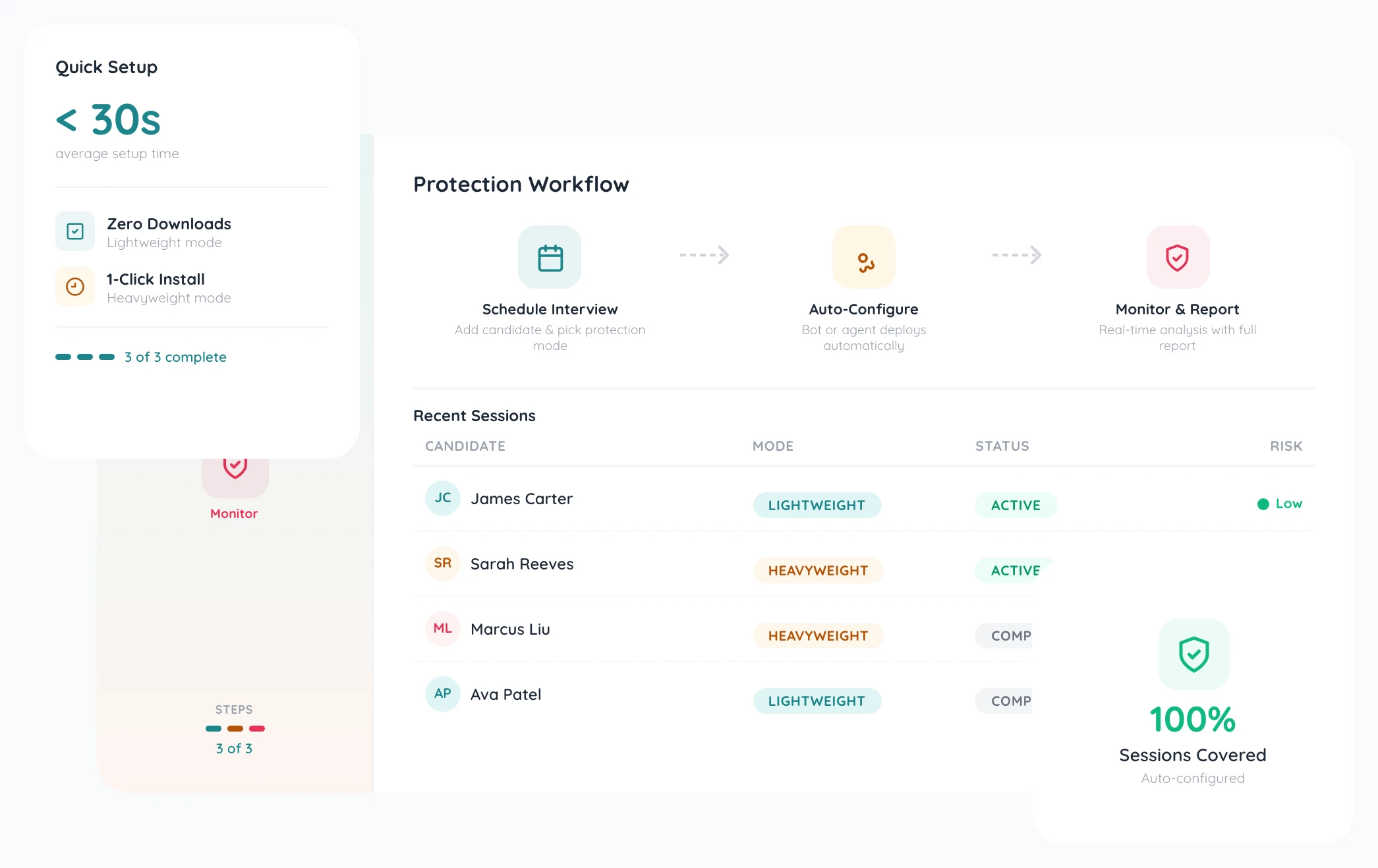
Lightweight — a meeting bot joins your video call. Zero friction, zero downloads. Covers behavioral analysis, deepfake detection, AI/LLM response detection, and identity verification.
Heavyweight — adds a 1-click desktop agent with OS-level process monitoring, stealth AI tool detection, hidden overlay detection, input origin tracking, and full environment monitoring.
Choose the mode per interview based on your needs.
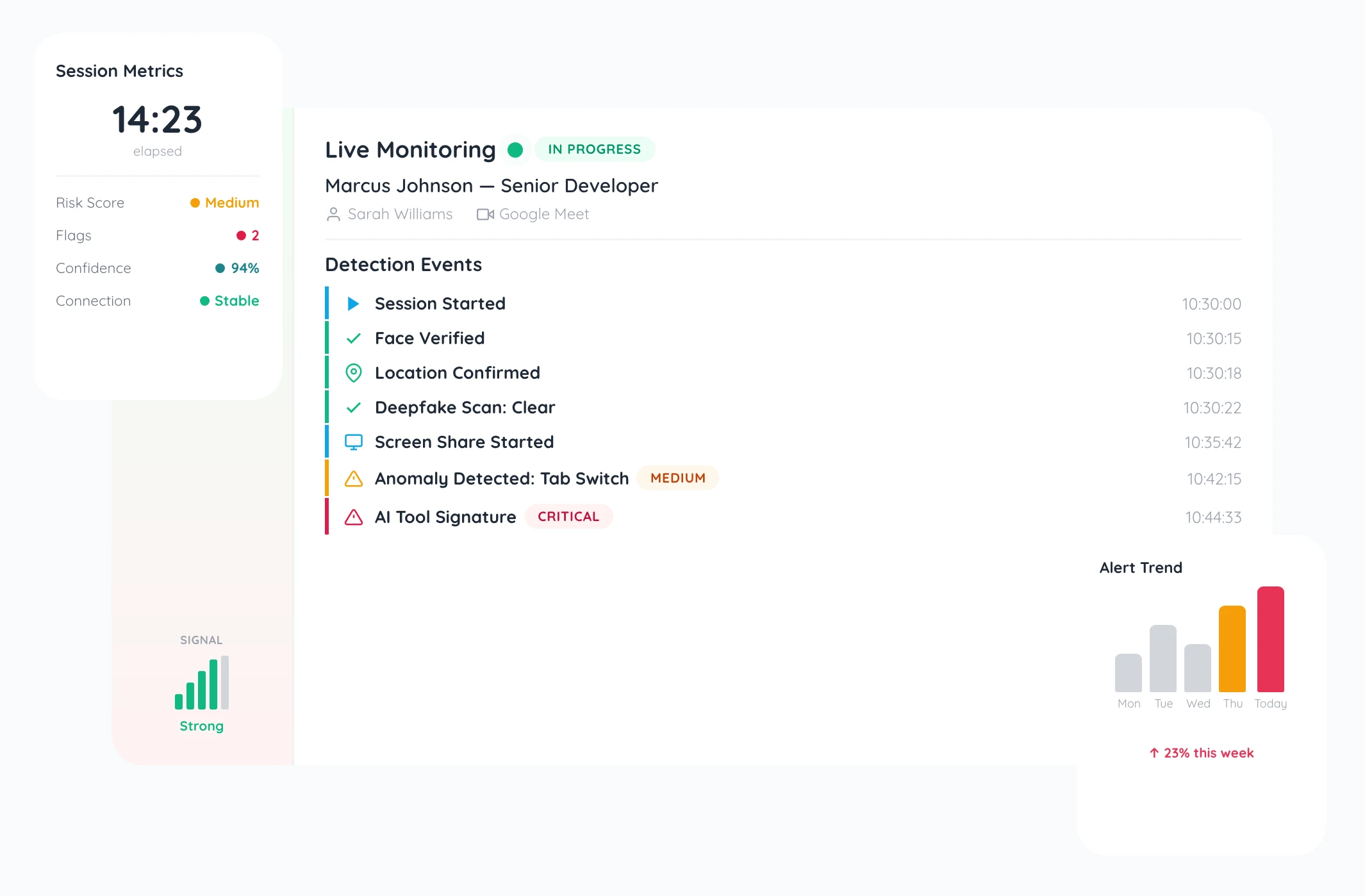
What Happens During an Interview
Your interviewer dashboard shows live alerts as issues are detected. Real-time integrity scores update throughout the session. Flags include:
- AI tool usage
- Suspicious gaze patterns
- Response timing anomalies
- Identity mismatches
Each alert includes severity level, timestamp, and contextual details so your team can adjust their approach on the spot.
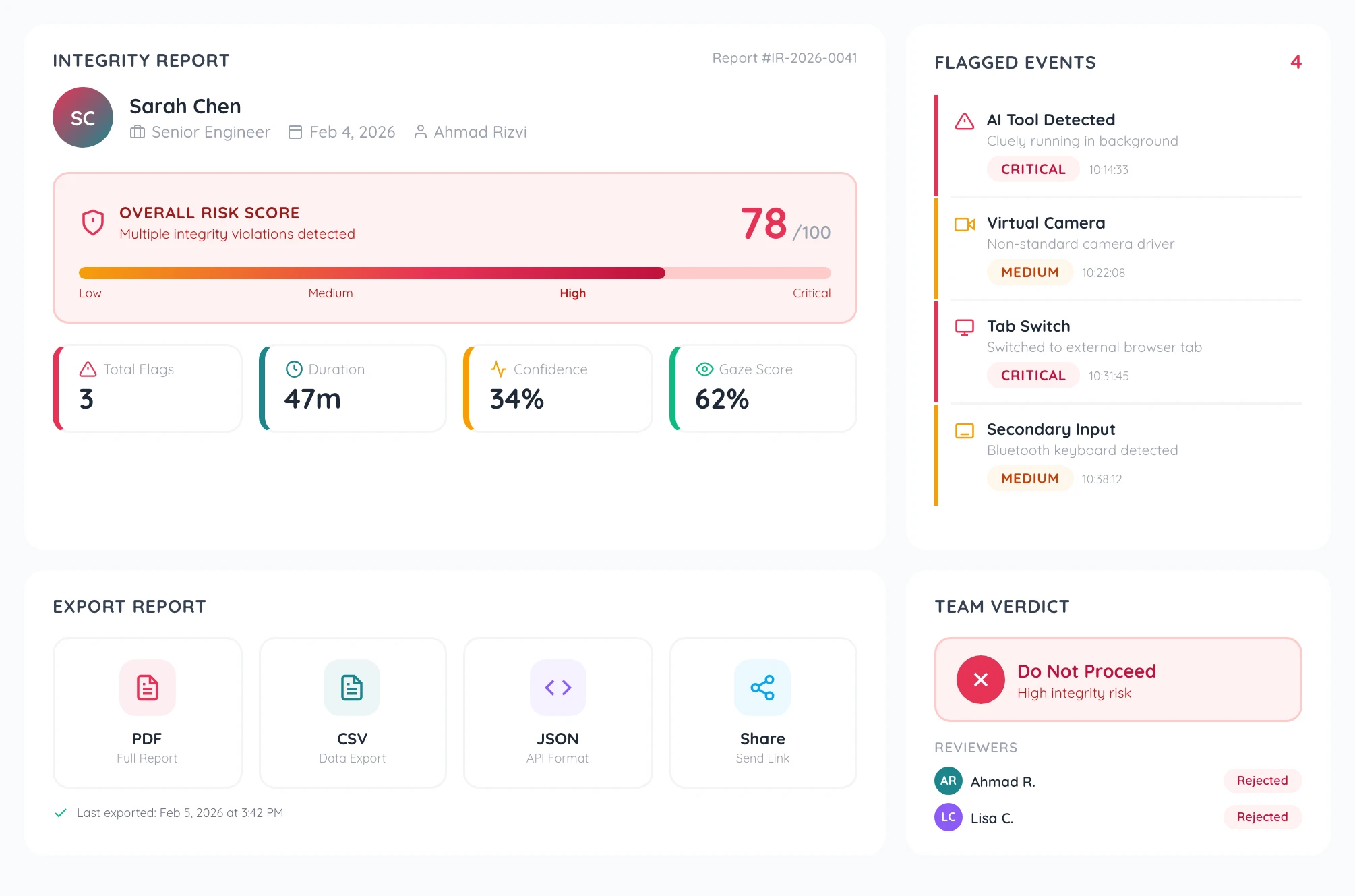
Sample Integrity Report
After each interview, receive a comprehensive integrity report with an overall risk score, flagged events timeline, environment details, detection method breakdowns, and severity ratings for each issue.
Export the full report as a PDF — everything your legal and HR teams need in one document.
Detection Methods Explained
Seven detection layers work together:
- Stealth AI tool detection finds Cluely, Parakeet, Interview Coder, and 100+ more tools.
- Behavioral analysis tracks gaze patterns, response timing, and typing patterns.
- Deepfake detection identifies synthetic faces and voice manipulation.
- AI/LLM response detection spots AI-generated answers.
- Environment monitoring checks for suspicious network and device configurations.
- Hidden overlay detection finds invisible screens and tools.
- Input origin tracking verifies whether responses come from the candidate directly.